Thursday, 25 February 2016
Thursday, 4 February 2016
Frame within a frame/ Rule of thirds
Equipment used:
- Canon 1100
- 32gb SanDisk
Settings:
Shutter Speed: 1/60
F-Stop: 4.5
ISO: 100
Focus: Manual
To apply the rule of thirds you have to divide your picture space into 9, and by lining the horizon in one of the lines, and by placing the subject on the side you achieve this.
To achieve this photograph I positioned the subject in between a frame (two bars which make look like a rectangle). By doing this you are applying this rule.
Frozen movement
Equipment used:
- Canon 1100
- 32gb SanDisk
Settings:
ISO: 400
Shutter speed: 1/250
F-stop: 4.5
Focus: Auto
To achieve this photographs you have to capture a subject in movement and make it look in focus.
Recreate an image
Equipment used:
- Canon 1100
- 32gb SanDisk
Settings:
F-Stop:2.8
Shutter Speed: 1/160
Focus: Manual
ISO: 100
To recreate Lana del Rey's photograph a soft box lighting was placed on the left side of the subjects face to create a shadow and achieve a similar feel.
This photo was edited with the programme Adobe Photoshop and this is what I did:
- Cropped it
- Colour correction
This photo was edited with the programme Adobe Photoshop and this is what I did:
- Cropped it
- Colour correction
Wednesday, 3 February 2016
Use of shadows
Equipment used:
- Canon 1100
- 32gb SanDisk
Settings:
F-stop: 3.5
Shutter speed: 1/80
Focus: Manual
ISO: 100
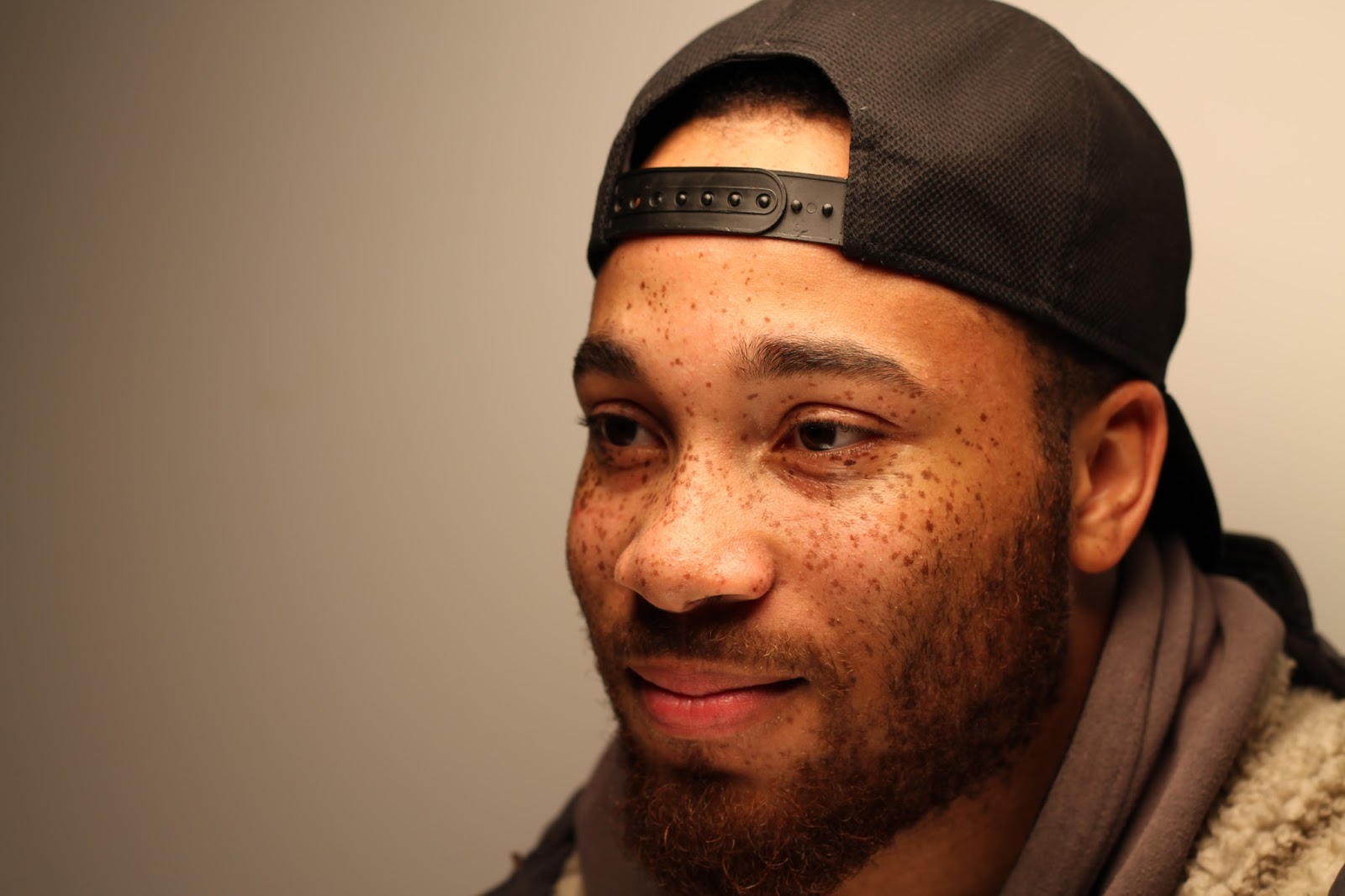
To achieve this photos the subject is placed in front of you with a spot light pointing at it from the side, this will create a side shadow and look amazing.
In this specific photograph a soft box light was used.
Thursday, 21 January 2016
Lighting techniques
Equipment used:
- Canon 1100
- 32gb SanDisk
Settings:
F-Stop: 3.5Shutter Speed: 1/80
ISO: 100
Focus: Manual
For this photos I used a spot light placed behind or on the side of the subject to create rim lighting or a sort of aura around the subject.
Settings
F-Stop: 3.5
Shutter Speed: 1/80
ISO: 100
Focus: Manual
For this photos a soft box light was used, to create a softer and warmer look on the subject, also in some of the photographs, a reflector was used to avoid shadows.
Portrait lighting
Equipment used:
- Canon 1100
- 32gb SanDisk
Settings:
F-Stop: 1.8Shutter Speed: 1/40
ISO:100
Focus: Manual
Window light
Flat lighting
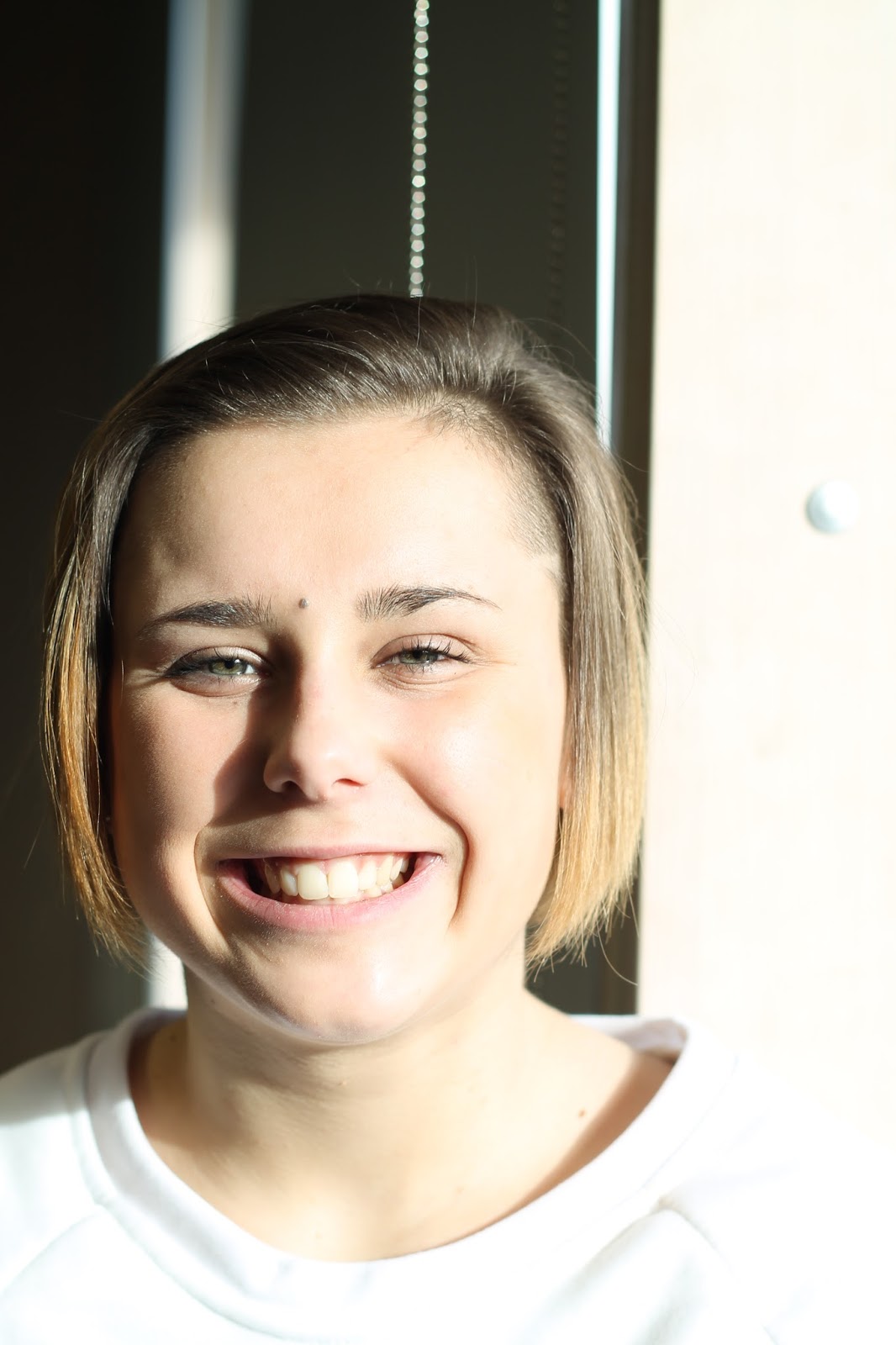
This portraits are really simple, if there is a nice natural light by placing the subject where the light is strong, you can get a nice looking photograph.
Settings
F-Stop: 3.2
Shutter Speed: 1/60
ISO: 100
Focus: Manual
Side (natural) lighting
This photos are achieved my placing the subject with the natural daylight on only one side of the face, this will create a shadow, as you can see in the following portraits, and make the subject look lovely.
Settings
F-Stop: 4.5
Shutter Speed: 1/60
ISO: 100
Focus: Manual
Side (natural) lighting with reflector
To achieve this portrait natural lighting was used, as well as a reflector so the whole face is illuminated.
Subscribe to:
Posts (Atom)